Documentation
Create Tournament
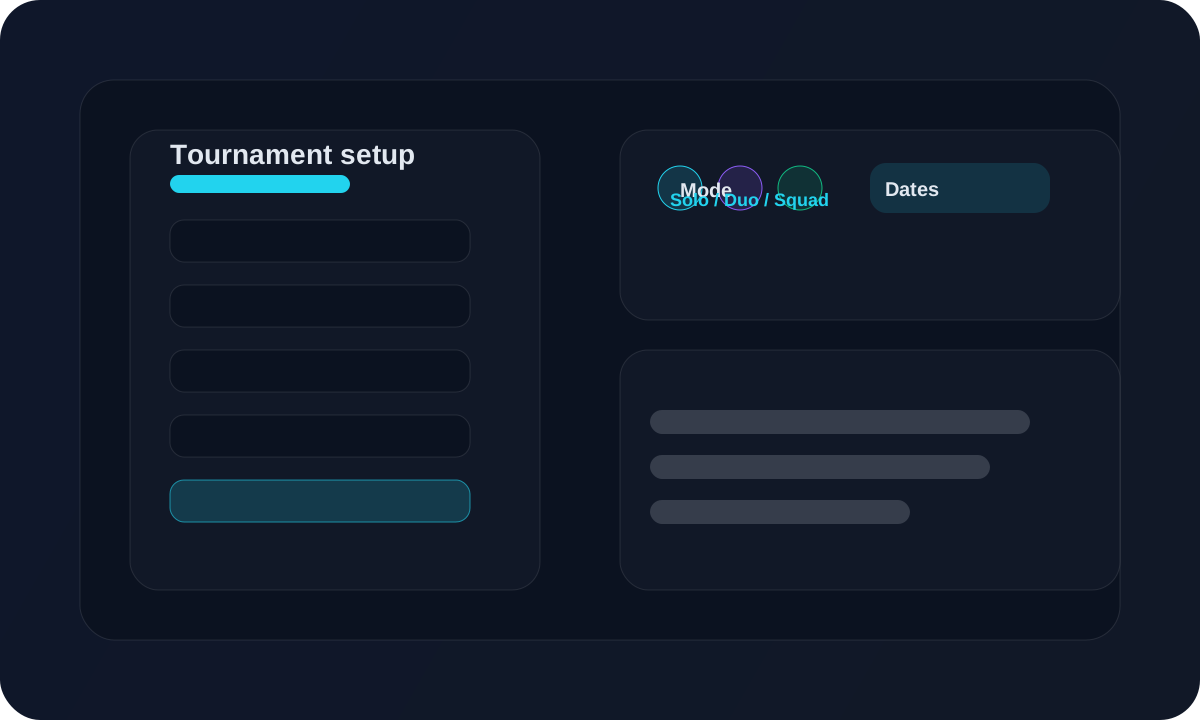
Create the tournament, choose the mode, set the dates, and turn on the options you need.
Overview
Use this page when you are creating a new tournament from scratch.
Workflow
Open the tournament create page and enter the tournament name.
Select the mode: solo, duo, squad, or custom.
Set the start date and end date.
Set custom scoring if this tournament needs different point rules.
Enable impact player if you want that scoring option.
Choose the standings layout you want to use.
Save the tournament, then share the tournament link when ready.
Screen guide
Fields to fill
Name, mode, and dates
Complete these first before you move to scoring or layout options.
Options to review
Custom points, impact player, layout
Set these only if the event needs special scoring or a different standings presentation.
Tips
- Use the end date if you want player registration to stop automatically.
- Set scoring before the first match starts.
- Use the public tournament checkbox if you want to list the event later.
FAQ
Which mode should I select?
Select the mode that matches the event: solo for one player, duo for two, squad for four, or custom for special setups.
What should I set first?
Set the mode and dates first, then move to scoring, impact player, and layout.
Related
Need a hand?
Use support tickets for onboarding, billing, or workflow questions that need a tracked reply.
Open support