Documentation
How to use GamePulse
This guide explains the full organizer workflow: create tournaments, register players, run matches, push the live overlay, and share standings.
Topic
Create Tournament
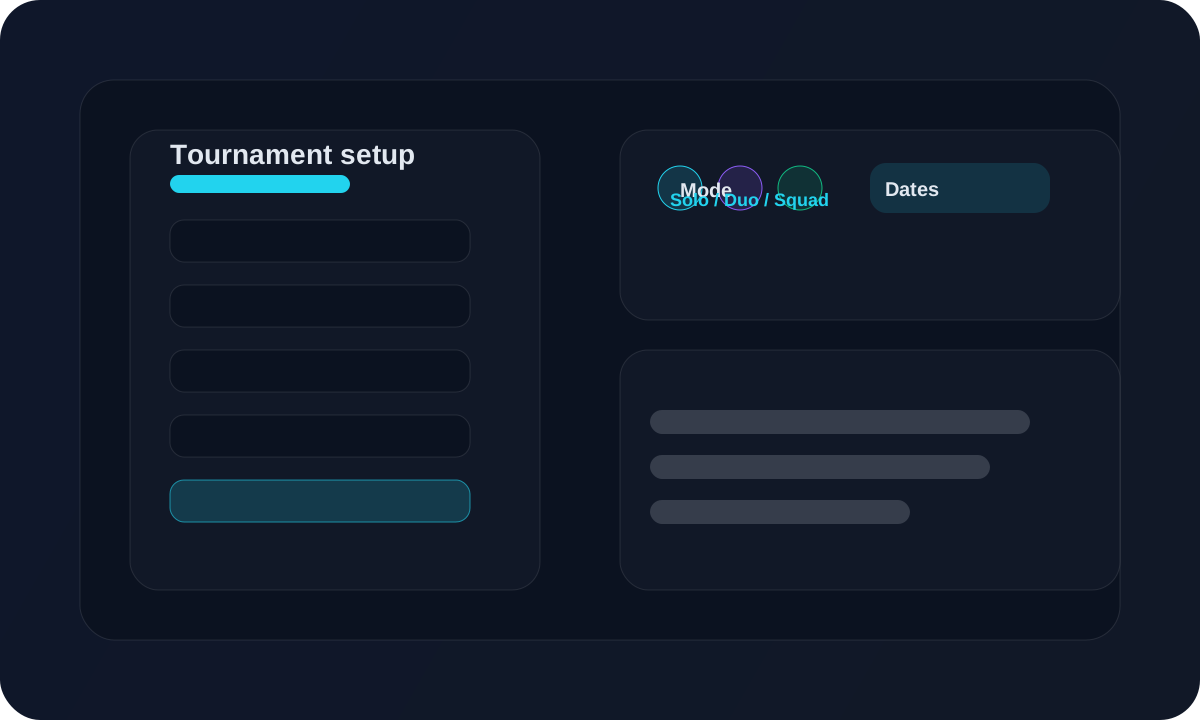
Create the tournament, choose the mode, set the dates, and turn on the options you need.
Topic
Players and Registration
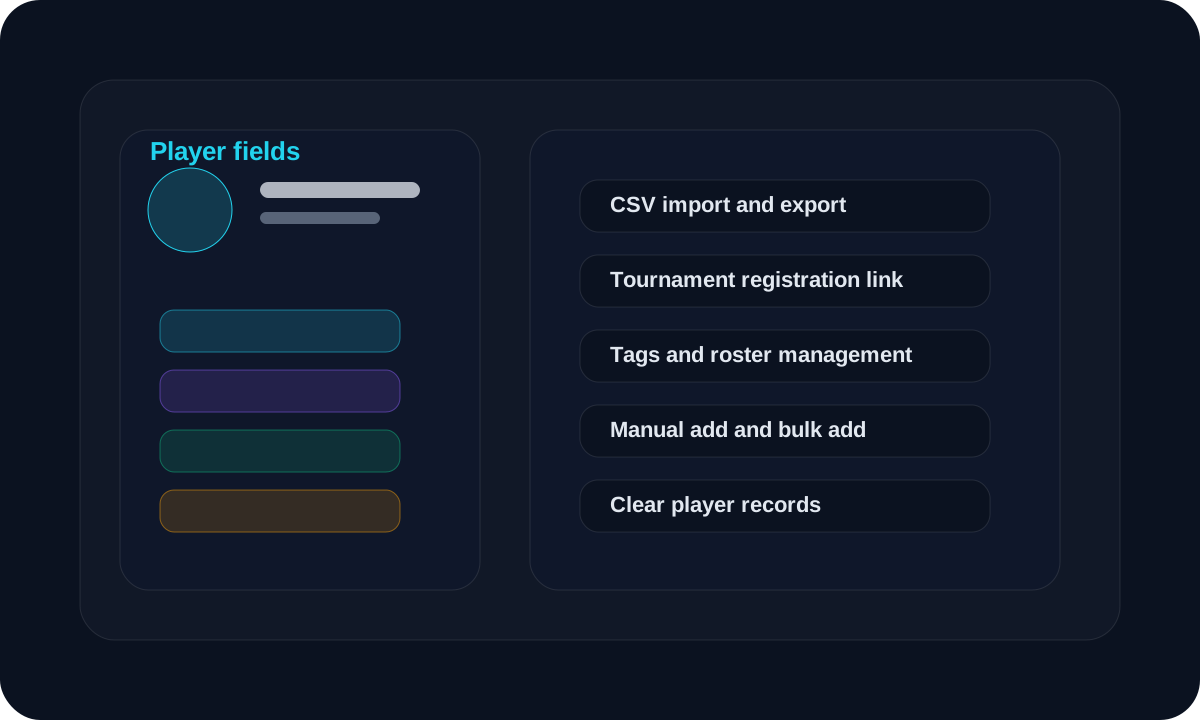
Add players manually, import or export them, and register them for a tournament.
Topic
Create Teams
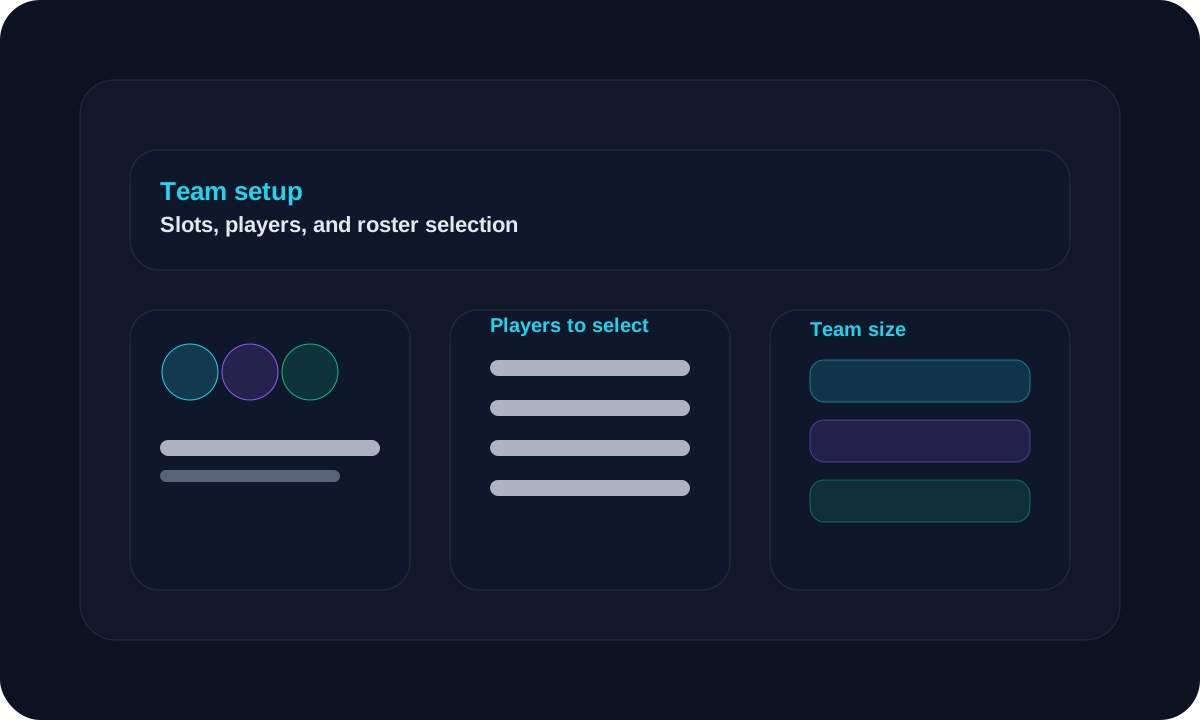
Create a team, choose the slots, and assign players to that team.
Topic
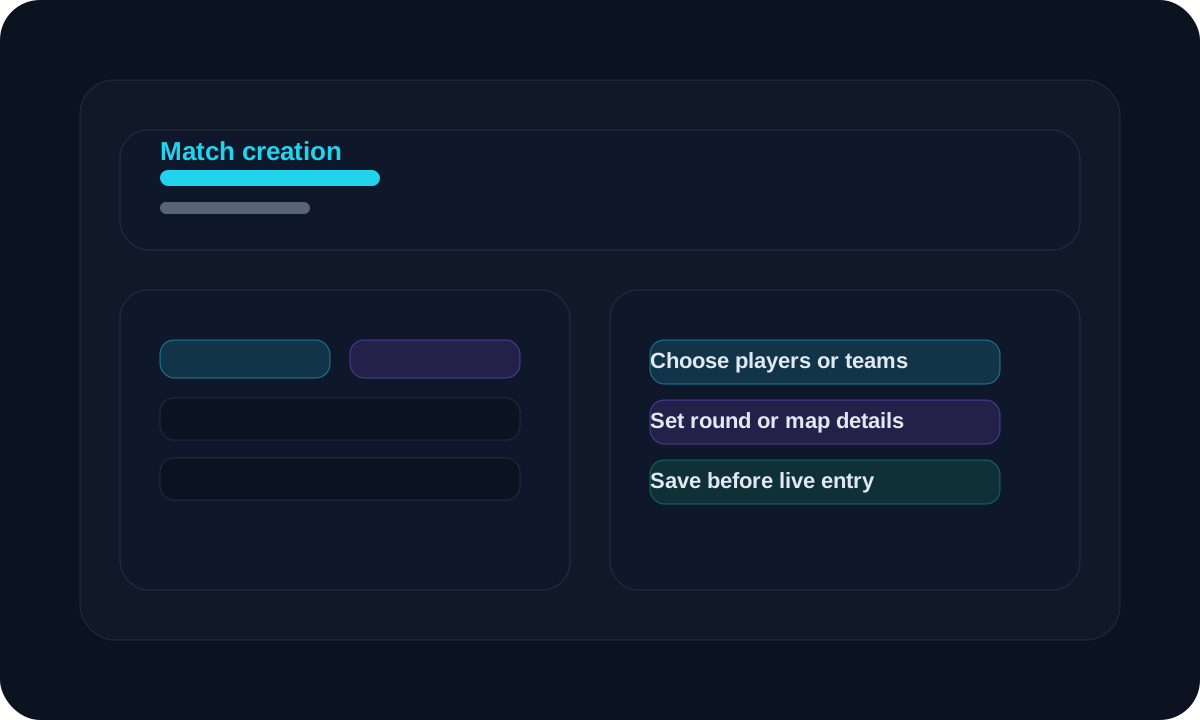
Match Creation
Create the match inside the tournament, then save the result after play ends.
Topic
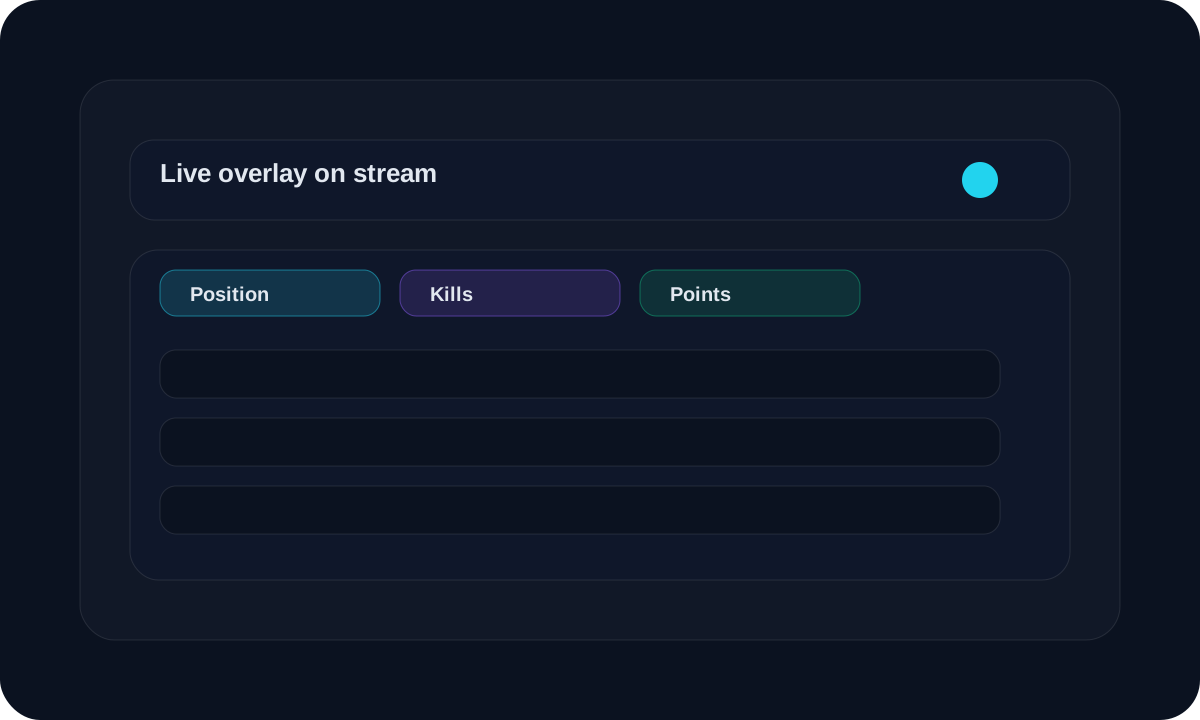
Live Overlay
Set up the broadcast overlay so viewers can follow the match live.
Topic
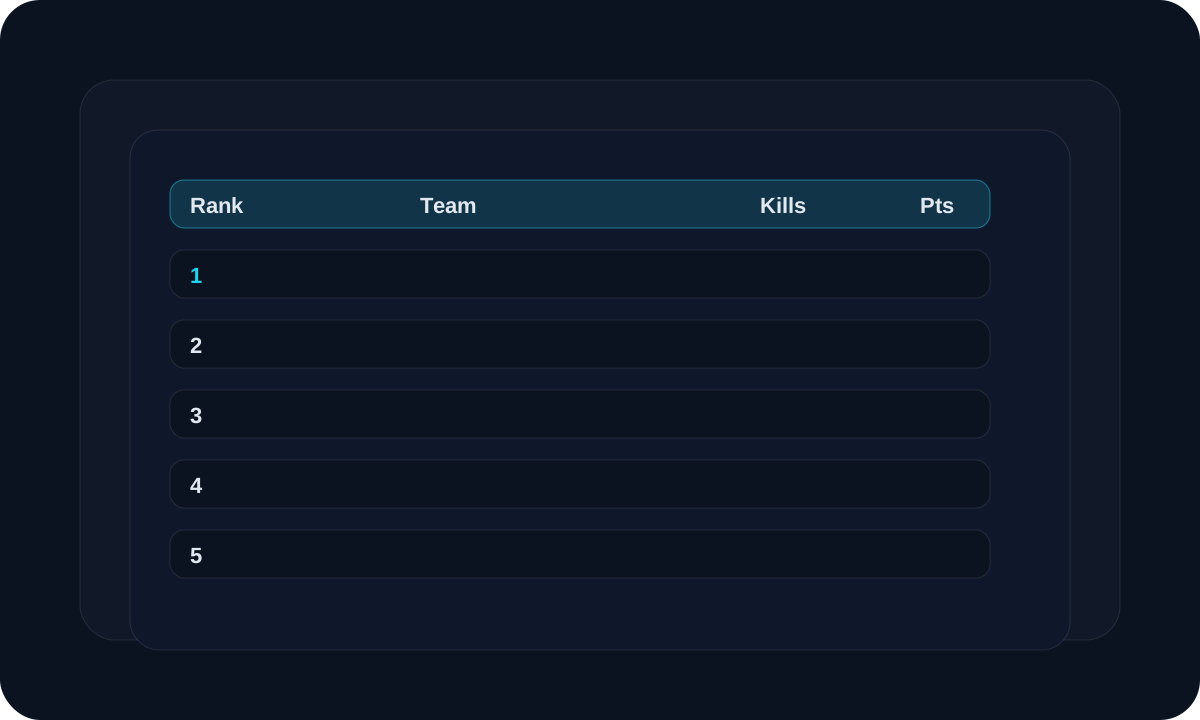
Standings
Share the ranking page so players and viewers can follow the tournament.
Topic
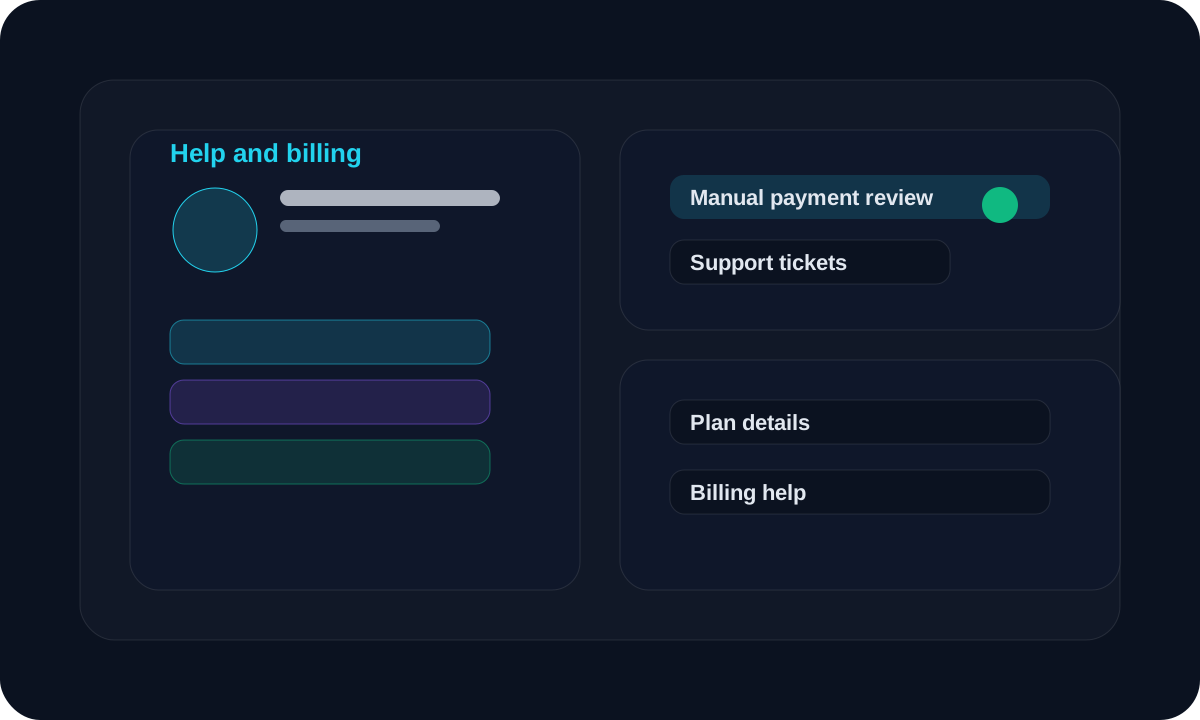
Help and Support
Get help with plans, billing, setup, or a feature issue.
Quick start
The shortest path from setup to a live event
1. Create the tournament
Pick the mode, configure scoring, and decide whether the tournament is public.
2. Load the players
Add players manually or use import preview to clean up a roster before confirmation.
3. Enter results live
Use the live update page for quick scoring and the overlay for the broadcast screen.
4. Publish standings
Share the public standings link so players and viewers can follow the event.
Need help
Support and billing
Use the support area for setup questions, issue reports, or billing help. The current plan flow uses manual review, so screenshots and references should be clear.