Documentation
Players and Registration
Add players manually, import or export them, and register them for a tournament.
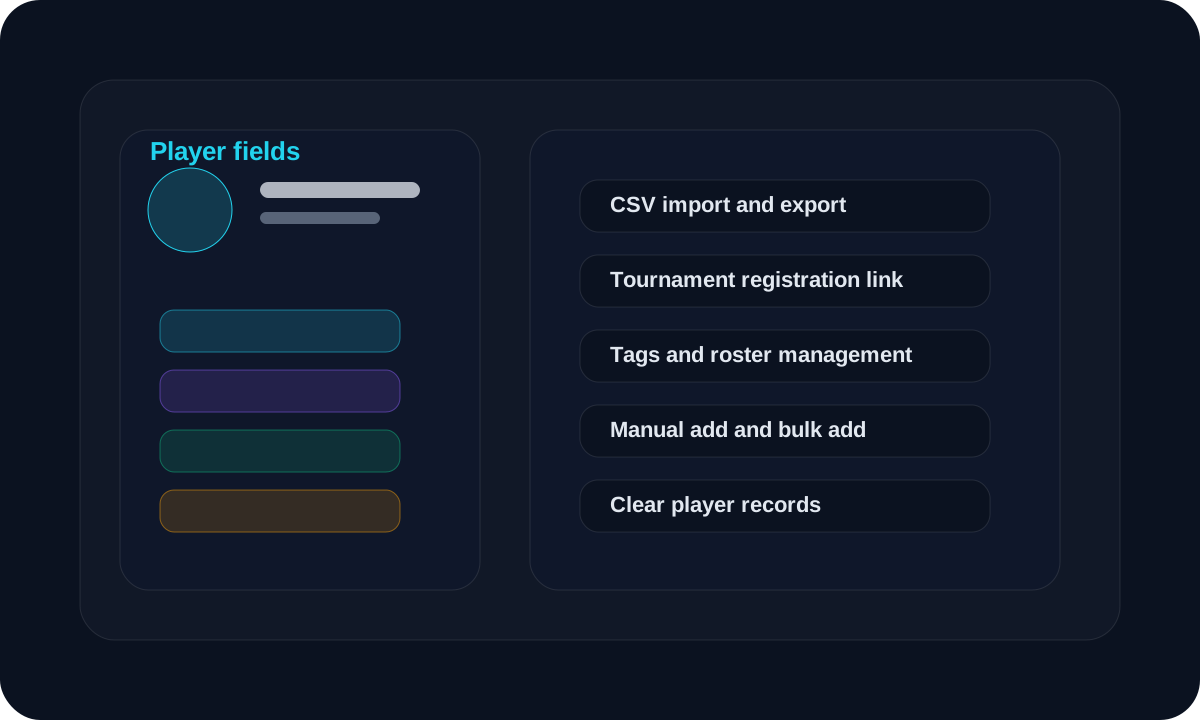
Overview
Use this section when you want to create player records or register players for an event.
Workflow
Open the player create page and fill the required fields.
Enter game ID, in-game name, and any optional fields you want to keep.
Add tags if you want to group players later.
Use import when you have many players to add at once.
Use export when you want to download the current player list.
Use the tournament register link when players should register themselves.
Use the add player button to move selected players into a tournament.
Screen guide
Fields to fill
Game ID, name, alias, contact, tags
These are the main fields for creating a player record.
Import and export
CSV upload and download
Use CSV import for bulk entry and export when you need a file copy of the roster.
Tips
- Check the import preview before confirming.
- Keep tags short and consistent.
- Use the register link if players should submit themselves.
FAQ
What fields do I need to fill?
Game ID and in-game name are the main required fields. The rest are optional depending on the event.
How do players register themselves?
Share the tournament register player link. Players can use that page to submit their details.
Related
Need a hand?
Use support tickets for onboarding, billing, or workflow questions that need a tracked reply.
Open support