Documentation
Live Overlay
Set up the broadcast overlay so viewers can follow the match live.
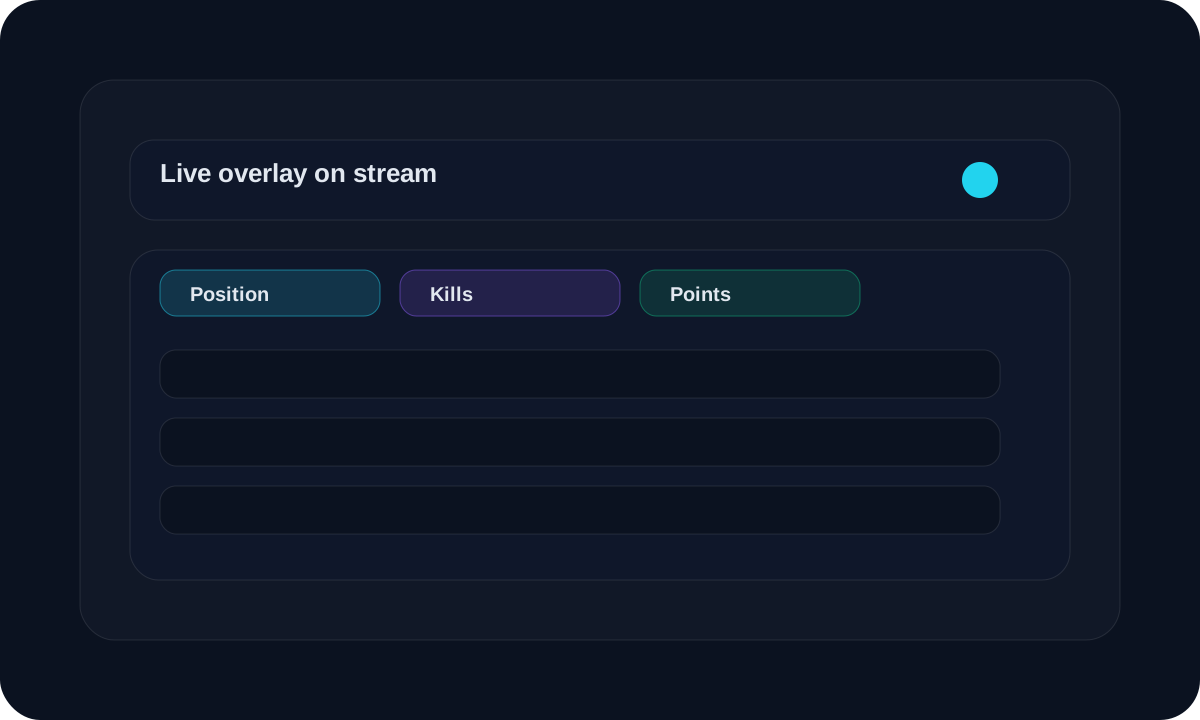
Overview
Use this when you want to show live match progress on stream.
Workflow
Open the overlay link for the match you want to show.
Keep the organizer live update page open on a separate screen.
Refresh the overlay after saving a result.
Use the overlay as the on-stream scoreboard.
Screen guide
Overlay option
Match overlay page
This is the display you show to viewers during the stream.
Refresh option
Refresh the overlay state
Use the refresh route when you need the overlay to match the latest live update.
Tips
- Test the overlay before the event starts.
- Keep the overlay on a screen viewers can see.
- Refresh after every important score update.
FAQ
Who should open the overlay?
Anyone running the broadcast or stream display can open it.
Do I still need the live update page?
Yes. The overlay shows the public view, but the organizer still needs the live update page to enter results.
Related
Need a hand?
Use support tickets for onboarding, billing, or workflow questions that need a tracked reply.
Open support