Documentation
Create Teams
Create a team, choose the slots, and assign players to that team.
Overview
Use this page when the tournament needs team-based play.
Workflow
Open the team create page for the tournament.
Enter the team name and any basic details.
Choose the slot count if the team setup needs it.
Select the players who belong to the team.
Save the team before moving to match setup.
Screen guide
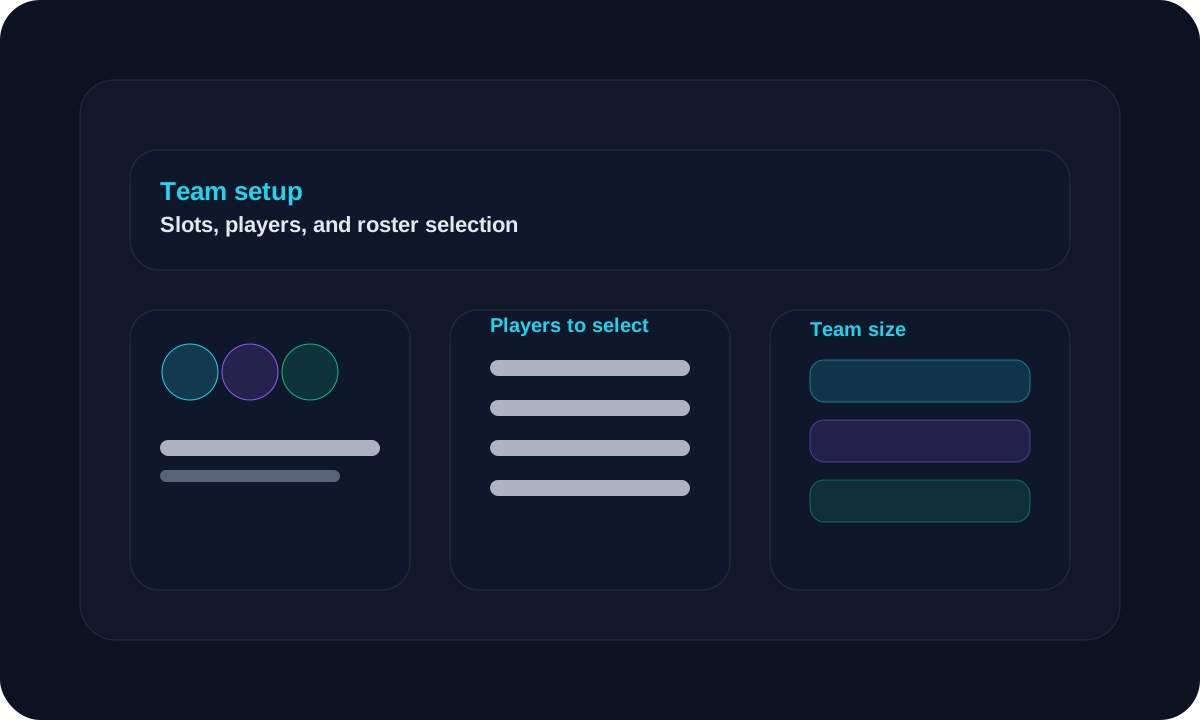
Slots selection
Choose the team size
Set the number of slots according to the team format used in the tournament.
Player selection
Pick the players
Select the players that belong to the team before saving.
Tips
- Make sure the team slot count matches the event format.
- Keep team names easy to identify during live scoring.
- Assign players before the first match begins.
FAQ
Do I need to create players first?
Yes. Players should exist before you assign them to a team.
Can I change the players later?
Yes, you can update the team selection if the roster changes.
Related
Need a hand?
Use support tickets for onboarding, billing, or workflow questions that need a tracked reply.
Open support