Documentation
Match Creation
Create the match inside the tournament, then save the result after play ends.
Overview
Use this page when you want to add a new match to the tournament.
Workflow
Open the tournament and create a new match.
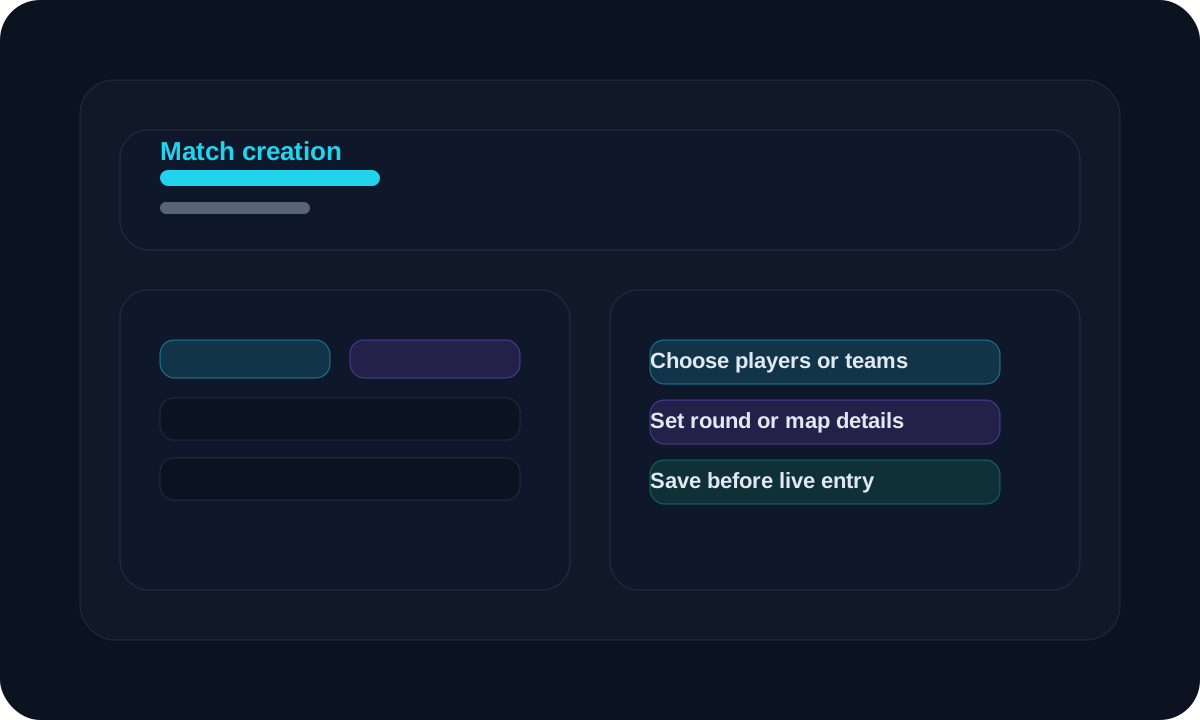
Choose the teams or players that will take part.
Set the match round or map details if needed.
Save the match before entering live results.
Use live update when the match is happening.
Screen guide
Match setup
Create the match inside the tournament
Pick the participants first, then save the match so it appears in the event flow.
Live update
Enter positions and finishes
Use the live page during the match to update the result quickly.
Tips
- Create the match before the match starts.
- Use live update for speed and edit mode for corrections.
- Check the overlay after saving the result.
FAQ
When should I create the match?
Create it before the match starts so you can enter results as the event runs.
What if I need to correct the result later?
Use the match edit page to adjust the saved result.
Related
Need a hand?
Use support tickets for onboarding, billing, or workflow questions that need a tracked reply.
Open support