Documentation
Standings
Share the ranking page so players and viewers can follow the tournament.
Overview
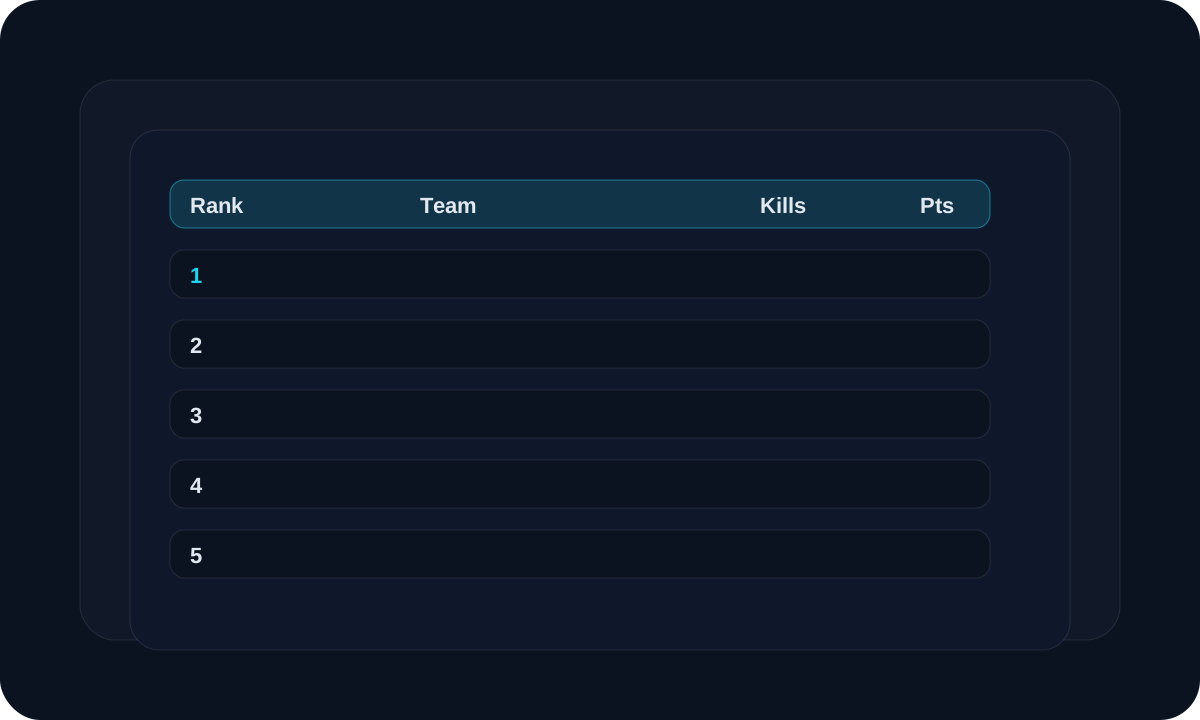
Use the standings page when you want to show the current ranking of the tournament.
Workflow
Open the standings page from the tournament.
Choose the layout you want to show.
Share the public standings link with players or viewers.
Check the page after every match result.
Screen guide
Public page
Standings link
This is the page you share with viewers.
Layout option
Choose the table style
Pick the layout that is easiest to read on your screen or stream.
Tips
- Use public standings when the event is being followed live.
- Keep one layout style for the full tournament.
- Review the page after each match result.
FAQ
Can viewers open standings without login?
Yes. Public standings are made for sharing.
Can I change the layout later?
Yes, but keep changes limited so viewers do not get confused during the event.
Related
Need a hand?
Use support tickets for onboarding, billing, or workflow questions that need a tracked reply.
Open support