Documentation
Help and Support
Get help with plans, billing, setup, or a feature issue.
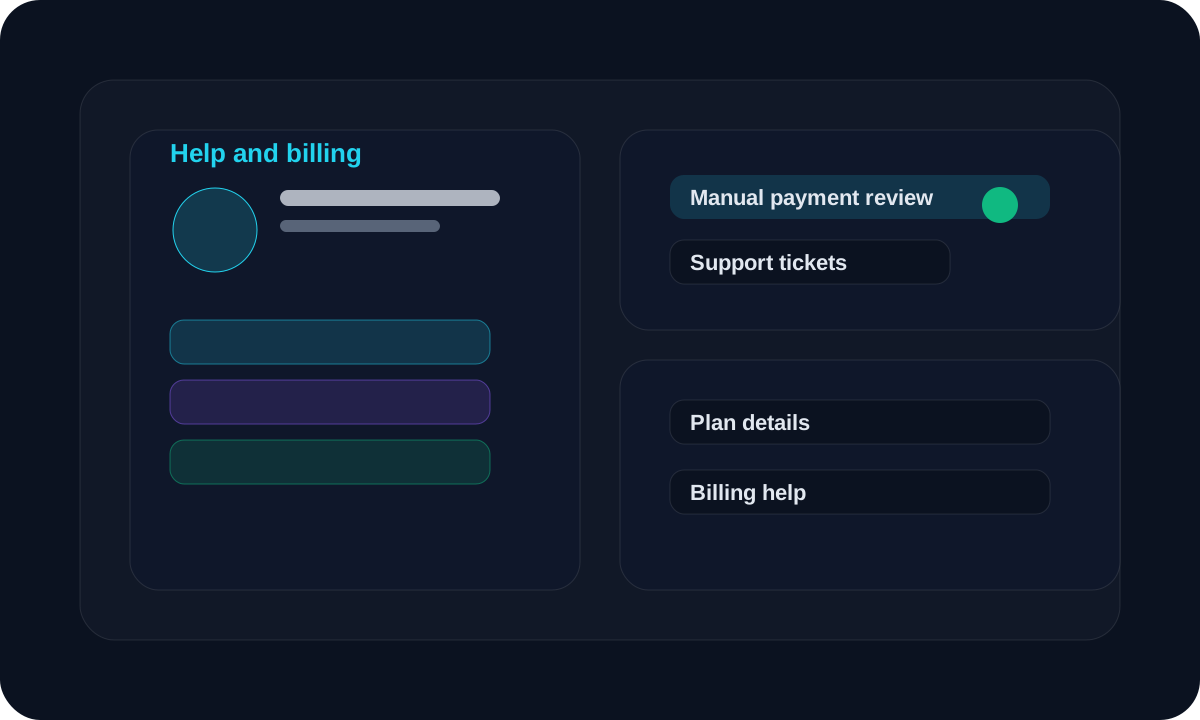
Overview
Use this area when you need help using the app.
Workflow
Start with the free trial if you want to test the app first.
Choose a plan if you want to upgrade.
Upload the payment screenshot and reference details for manual review.
Open a support ticket for setup, billing, or workflow help.
Screen guide
Billing
Manual checkout and review
Use this flow when you are submitting payment proof for approval.
Support
Tickets for help requests
Use tickets for bug reports, billing questions, or onboarding help.
Tips
- Keep payment screenshots clear.
- Use a support ticket when you need a tracked reply.
- Check your profile page for plan and account details.
FAQ
Is online payment active?
No. The current flow is manual review.
Where should I ask for help?
Use support tickets or the public contact details shown on the site.
Related
Need a hand?
Use support tickets for onboarding, billing, or workflow questions that need a tracked reply.
Open support